Yes. You can switch a Reg plan to Pro in My Lobby, or from inside the GTO Poker Trainer or the Range Viewer. The switch takes effect straight away, and you only pay the difference between Reg and Pro for the rest of your current term.
How to switch. In My Lobby, press Subscription details beside your Reg plan. Under Change or upgrade plan, pick Pro monthly or Pro yearly. Press it once and the button asks you to confirm, naming the plan you picked. Press it again to switch.
If you open something your Reg plan doesn't include, such as postflop in the Range Viewer, a box headed Not in your plan opens. You can switch to Pro there in the same way, and you come back to the same hand, spot or sim.
Your billing date moves to the day you switch, and an email headed "Your plan has changed" confirms it. Each plan covers one game type, so switching your Hold'em cash plan leaves any other plan you hold as it is. To move from monthly to yearly billing instead, see How to upgrade from a monthly to a yearly subscription plan.
What Pro adds. It depends on the game type:
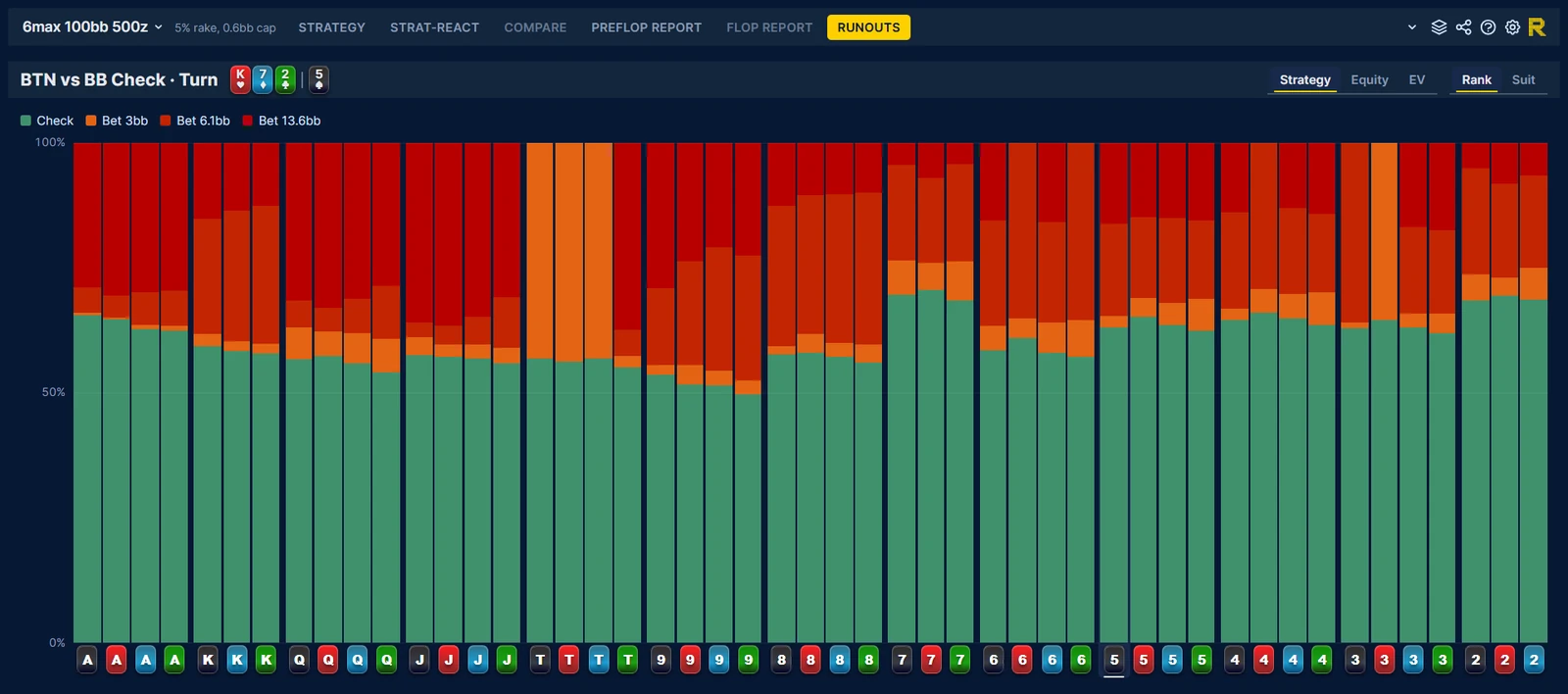
- Hold'em cash, MTT, Short Deck and Spins: postflop in the Range Viewer on supported sims, with the Flop report (the plan cards call it postflop reports) and Runouts, plus custom solves of heads-up turn and river spots. Reg already drills postflop in the Trainer; Pro adds it to the Range Viewer.
- PLO: the multiway PLO6 sims, from 3-max to 6-max. PLO stays preflop on both plans.
- More sims in every game type except Spins, and unlimited hand imports in Hold'em cash, Short Deck and PLO, where Reg imports up to 250 hands a month.
The Range Pro page lists the Pro plan for each game, and Reg vs Pro: what each plan includes compares the two plans in full.
Switch your plan from Subscription details in My Lobby.
Open My Lobby